
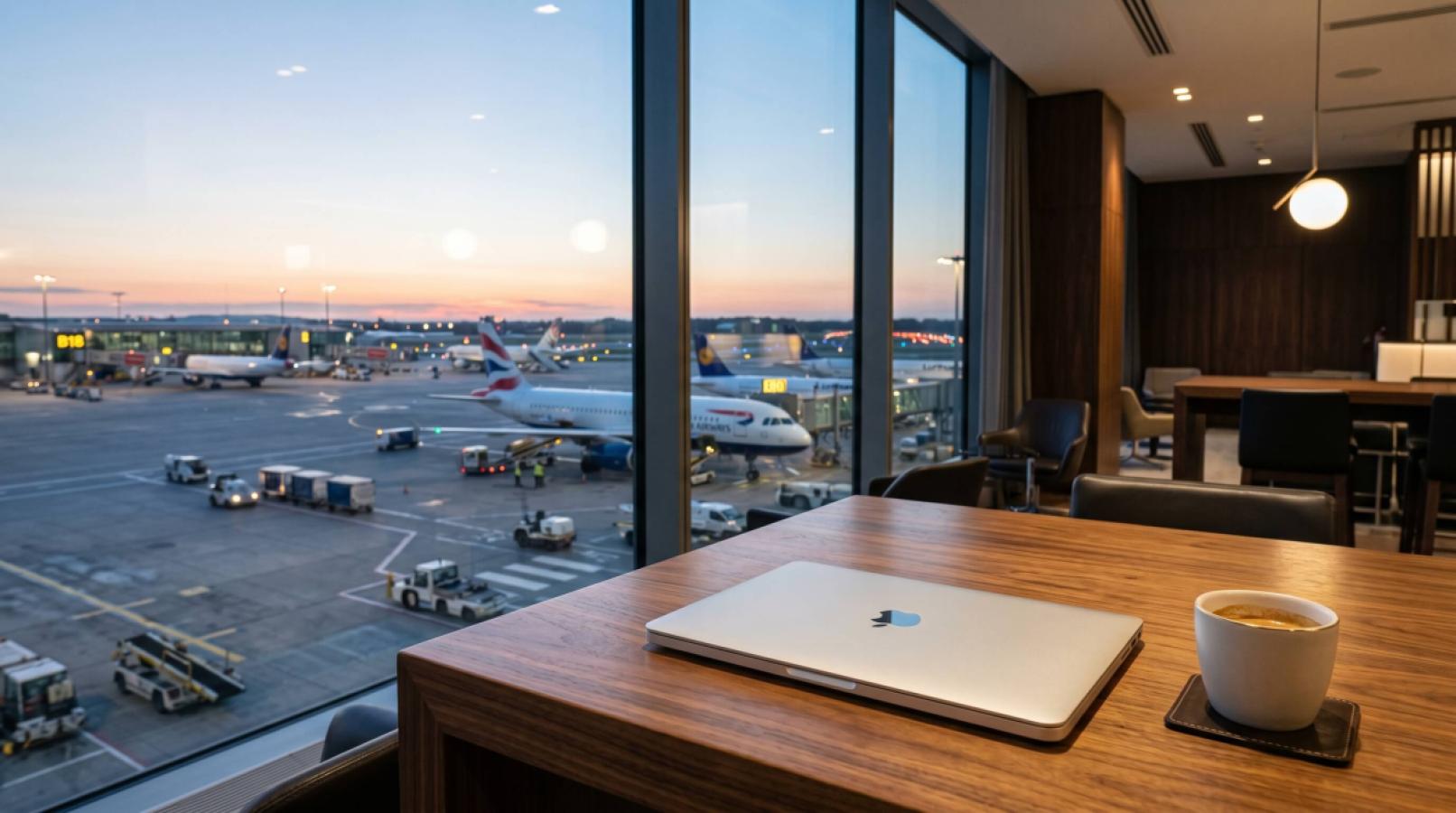
For business travellers, losing connectivity on arrival is more than an inconvenience—it means missed client messages, blocked corporate logins, and being unable to hail a ride from the airport. Relying on a travel eSIM is the most reliable way to maintain secure, high-speed data overseas, but it requires a specific setup to ensure your corporate workflow remains uninterrupted.
Unlike leisure travel, where being offline for a few hours is acceptable, work trips demand immediate access to email, Slack, Microsoft Teams, and cloud documents. More importantly, business travellers must navigate the complexities of Multi-Factor Authentication (MFA), which often relies on SMS codes sent to a home mobile number.
This guide breaks down the exact pre-departure and arrival steps required to keep your devices connected, secure, and fully functional while working abroad.
The pre-departure setup
Preparation is the difference between opening your laptop in the taxi and spending your first hour in a new city troubleshooting a phone settings menu. Add these connectivity steps to your standard travel prep checklist.
First, verify your hardware. Your phone must be network-unlocked and support eSIM technology. The fastest way to check this is to open your phone's dialpad and enter *#06#. If a long EID (Embedded Identity Document) number appears on the screen, your device has the necessary hardware. If you are unsure, you can review standard Device Compatibility guidelines.
Second, install your travel eSIM profile while you are still at home. The installation process requires a stable internet connection to download the digital profile securely. Doing this over your home Wi-Fi ensures the profile is loaded and ready before you board your flight. Most travel eSIMs will not activate or begin their validity period until they connect to a supported network in your destination, meaning you lose no days by installing early.
Solving the 2FA and MFA trap
The most common connectivity hurdle for business travellers is the '2FA trap'. Your corporate VPN, banking apps, and email accounts likely require two-factor authentication. Often, these codes are sent via SMS to your primary Australian number. If you remove your physical SIM card to use a local travel SIM, you lose access to these codes.
An eSIM solves this by allowing a dual-SIM configuration. You can keep your physical Australian SIM active for voice and text, while assigning all cellular data duties to the travel eSIM.
To do this safely without triggering expensive daily roaming charges from your home provider, you must configure your settings correctly before departure:
Leave your primary Australian SIM turned ON.
Turn Data Roaming OFF for your primary Australian SIM.
Set your newly installed travel eSIM as the primary line for Cellular Data.
Most major Australian carriers do not charge you to receive an SMS while roaming internationally. By keeping the line active with data roaming disabled, your bank and corporate MFA texts will come through normally, while all your web browsing, app usage, and video calls are routed through the secure, pre-paid travel eSIM data allowance.
Data budgeting for corporate apps
A common mistake is underestimating how much data modern corporate tools consume, especially when operating outside the office Wi-Fi network. If you are unsure How Much Data For Travel you actually need, a safe baseline for a business trip is 1GB to 2GB per day, or roughly 5GB to 10GB for a standard working week.
Text-based communication on Slack or email uses very little data. However, video conferencing is data-intensive. A standard Microsoft Teams or Zoom video call will consume approximately 800MB to 1.5GB per hour. If you anticipate taking multiple video calls from a hotel lobby, café, or transit lounge, you should budget accordingly.
Using your phone as a mobile hotspot to tether your laptop is another major consideration. While public Wi-Fi is common in business hubs, using an eSIM provides a secure, encrypted cellular connection, which is significantly safer for accessing sensitive corporate data than an open hotel or café network. Most travel eSIMs support hotspot tethering, but always verify the plan details. Remember that laptop background tasks—like cloud syncing and software updates—can drain a data balance quickly when tethered, so it is wise to pause non-essential syncing while working on a cellular connection.
Regional planning for multi-stop itineraries
Business trips often involve crossing borders, such as flying into London for meetings before taking the Eurostar to Paris or a short flight to Frankfurt. Managing multiple single-country data plans is inefficient.
If your itinerary covers multiple jurisdictions, opt for a regional plan. For example, Europe eSIM plans will maintain a continuous connection across dozens of countries, automatically switching to the strongest local partner network as you cross borders. Similarly, if you are stopping over in Asia before heading elsewhere, having a dedicated Singapore eSIM ready ensures you can check emails and take calls during your transit window without friction.
The arrival-day playbook
When your flight lands, your phone should connect to the local network within minutes of turning off flight mode. To ensure this happens smoothly, follow this simple arrival sequence:
Turn off flight mode.
Go to your phone's cellular/mobile settings.
Ensure the travel eSIM is toggled ON.
Crucially, ensure Data Roaming is toggled ON for the travel eSIM line (this allows it to communicate with the local partner networks).
Ensure your primary Australian SIM still has Data Roaming toggled OFF.
The most frequent cause of an eSIM failing to connect upon arrival is that the user has forgotten to enable data roaming for the eSIM profile. Once roaming is active, the device will authenticate with the local cell tower, and your corporate apps will immediately begin syncing.
By treating your mobile connectivity with the same rigor as your flight bookings and meeting schedules, you can eliminate the stress of arrival-day tech failures and focus entirely on the work at hand. EscapeSIM provides a range of data options designed to keep business travellers securely connected across the globe.
Frequently asked questions
How can I use an eSIM for data but keep my Australian number for SMS?
Will I receive 2FA and MFA text messages if I use a travel eSIM?
What should I do if my eSIM doesn't activate when I land?
Can I use my phone as a hotspot or tether my laptop with a travel eSIM?
Is it better to install an eSIM before I leave or when I arrive?
Plans for this trip

More from the blog

What to actually look for in an eSIM for Japan: data sizing, city vs rural coverage, setup timing, and new 2026 travel changes to plan around.
Check if your Samsung phone is eSIM compatible in two minutes, plus model exceptions, regional restrictions, and fixes for missing Add eSIM options.

How eSIM data actually works in Fiji, from resort coverage to outer islands, plus setup tips and what to do if it's not connecting.