
Working Remotely While Travelling: Tips for Productivity on the Go
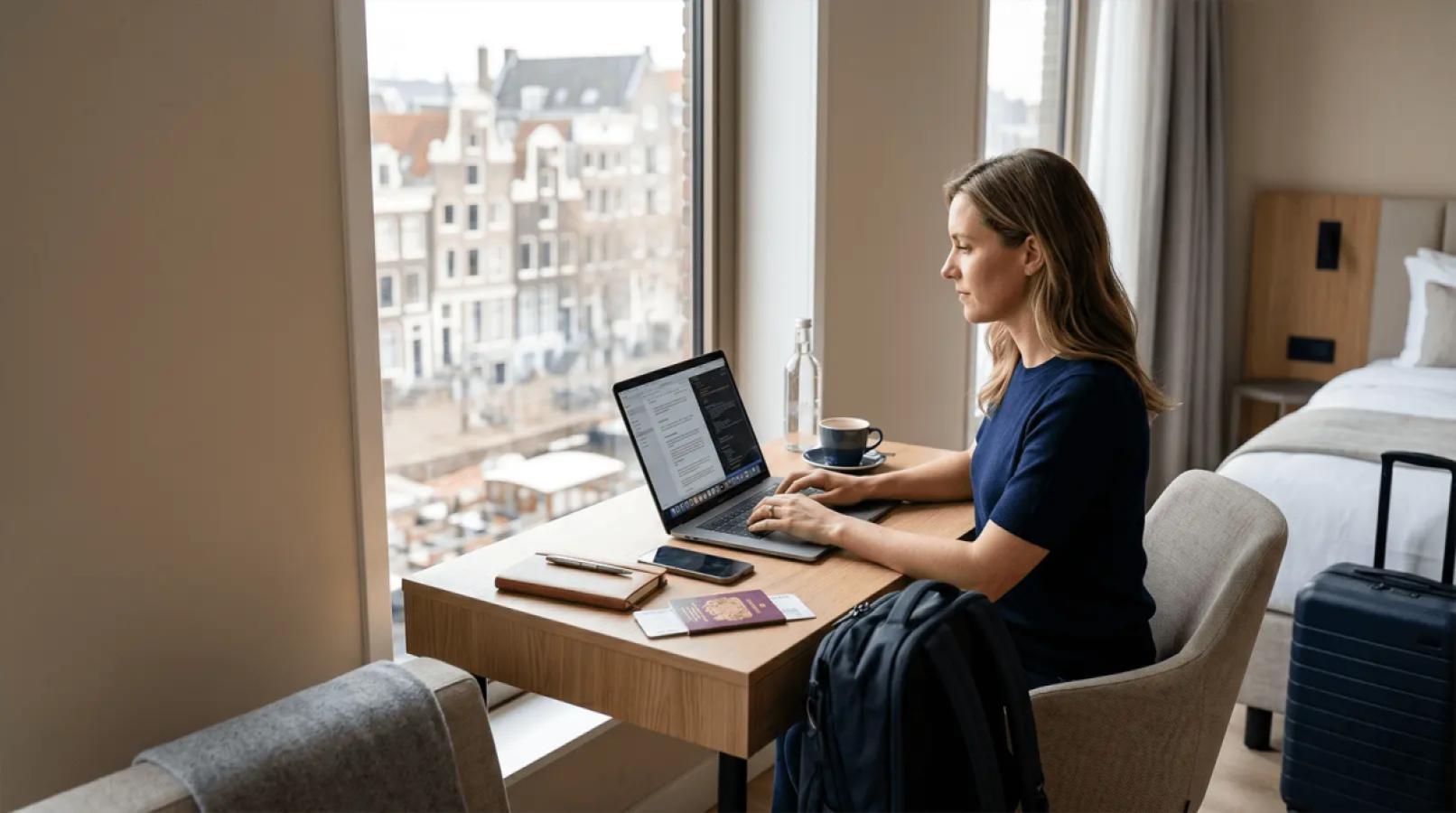
Travelling while keeping up with meetings, deadlines, and client expectations can be incredibly rewarding, but it can also fall apart fast if the basics are not sorted. A missed video call, poor Wi-Fi during a file upload, or trying to answer Slack messages from a noisy café is usually all it takes to turn the experience from exciting to stressful. The truth is that working remotely while travelling is not about chasing a perfect lifestyle setup. It is about reducing avoidable friction.
If you want to travel while working remote and still perform at a high level, four things matter more than anything else: connectivity, workspace, time management, and communication. Get those right and the whole experience becomes far more sustainable. Get them wrong and even a short trip can become harder than it needs to be.
Sort Your Connectivity Before Anything Else
Reliable internet is not just one part of the setup. It is the foundation that every other productivity system sits on. You can have a great to-do list, a polished calendar, and the best intentions in the world, but none of it matters if you cannot join a call, upload a document, or send an update when you need to.
When people think about remote work abroad, they often focus on accommodation, flights, or local attractions first. In practice, the smartest place to start is with your connection. Before you book your first tour or plan your first weekend trip, make sure you know how you are getting online.
Don’t Rely on Accommodation Wi-Fi Alone
Hotel and Airbnb Wi-Fi can look fine on a listing and still be unusable in real life. It is often shared across multiple rooms or apartments, which means speeds can slow dramatically during peak times. Even when the connection works, it may not be stable enough for video calls, cloud backups, or large file transfers.
For a remote worker, relying on one shared Wi-Fi network is a gamble. If it drops during a client meeting or becomes unusably slow in the evening, you need another option immediately. That is why having a backup connection matters so much. It is not an optional extra. It is part of being prepared.
Why a Travel eSIM Is the Remote Worker’s Best Backup
A travel eSIM gives you your own mobile data connection, separate from accommodation Wi-Fi and ready to use when you arrive. That matters because it removes the scramble of trying to find a local SIM card, dealing with airport kiosks, or hoping the property Wi-Fi works well enough for your first login.
With EscapeSIM destinations, remote workers can set up data before departure and land with a connection already in place. That means less downtime, fewer moving parts, and far more confidence when you have work to do shortly after arriving. If your hotel Wi-Fi is poor or your café connection starts dropping out, you already have a backup ready to go.
Plan Your Workspace, Not Just Your Itinerary
Once connectivity is sorted, your physical workspace becomes the next big factor. A lot of people picture remote work abroad as casually bouncing between cafés, but that setup usually works better in photos than in real life. Noise, poor seating, limited power outlets, and lack of privacy all get in the way quickly.
The more serious your workload is, the more important it becomes to plan where you will actually work. Productive travel does not happen by accident. It usually comes from a little bit of preparation before you land.
Research Before You Land
Before choosing accommodation, check for signs that it is actually suitable for work. Look for a dedicated desk, not just a dining table. Read reviews for mentions of Wi-Fi quality, work comfort, and noise levels. If previous guests specifically mention taking calls or working remotely from the property, that is usually a good sign.
It is also smart to identify at least one nearby co-working space before you arrive. Even if you do not end up needing it every day, knowing exactly where your backup workspace is can save a lot of stress. The goal is to avoid spending your first workday in a new country trying to solve problems you could have handled in advance.
Co-Working Spaces Are Worth the Cost
For many remote workers, a co-working space is one of the easiest productivity upgrades available while travelling. You get stable internet, a quieter environment, better seating, power access, and often dedicated booths or rooms for calls. That can make a huge difference when you need to focus or look professional on camera.
The good news is that many co-working spaces offer day passes, so you do not need to commit to a monthly membership. That makes them a flexible option for key workdays, important meetings, or any time you need a more dependable setup than your accommodation can offer.
Manage Time Zones Like a Professional
Time zones are one of the most underestimated challenges of overseas remote work, but they are also one of the easiest to manage if you plan ahead. The biggest mistake is treating them as something to figure out later. By the time you are reacting in real time, you are already on the back foot.
A better approach is to build your work rhythm around your destination before you even book the trip.
Know Your Overlap Hours and Protect Them
Before you commit to a destination, map your team’s or clients’ working hours against the local time where you are going. Even a one- or two-hour overlap each day can be enough if you use it properly. Those overlap hours should be protected for meetings, decisions, and anything that requires fast replies.
Once you know when live communication needs to happen, you can shape the rest of your day around it. Deep work, admin, travel, and sightseeing all become much easier to manage when your real-time availability is clearly defined.
Front-Load Your Async Communication
Strong asynchronous communication makes remote work abroad much more realistic. Instead of waiting for people to come online, send useful updates before they need to ask. A clear Slack message, short Loom video, or detailed email at the end of your day can give your team everything they need while you are offline.
This does two things. First, it reduces the pressure to be online at the same time. Second, it builds trust. Employers and clients are far more comfortable with overseas remote work when communication is proactive, clear, and predictable.
Why EscapeSIM Is the Remote Worker’s Connectivity Solution While Travelling
For remote workers, connectivity is not about scrolling social media or casually checking maps. It is about having dependable data for video calls, cloud tools, messages, uploads, and day-to-day work continuity. That is exactly where EscapeSIM fits.
With EscapeSIM destinations, you can organise your connectivity before you fly and avoid wasting time searching for a local provider on arrival. You also keep your own dedicated data connection instead of competing with every other guest on a shared hotel network. For anyone moving through multiple countries, plans like the Global eSIM make things even simpler by removing the hassle of swapping SIMs or researching new options at every stop.
If you want to work remotely while travelling without constant uncertainty around internet access, that kind of simplicity matters. It gives you one less thing to worry about and makes it much easier to stay productive wherever you land.
Frequently asked questions
Can I work remotely from another country legally?
How do I stay connected for remote work while travelling overseas?
Is an eSIM good enough for video calls and remote work?
How do I manage time zones when working remotely abroad?
What should I tell my employer before working remotely while travelling?
Plans for this trip

More from the blog

How to use an eSIM in New Zealand: coverage realities, the 3G shutdown, setup steps, and matching data plans to your actual trip.

Planning India from Australia? Here's how to pick data, sort coverage, and get connected before you land, without the local SIM queue.

Skip the RICA SIM queue. Here's how an eSIM works for South Africa, how much data you need, and what coverage is really like on safari and in cities.